
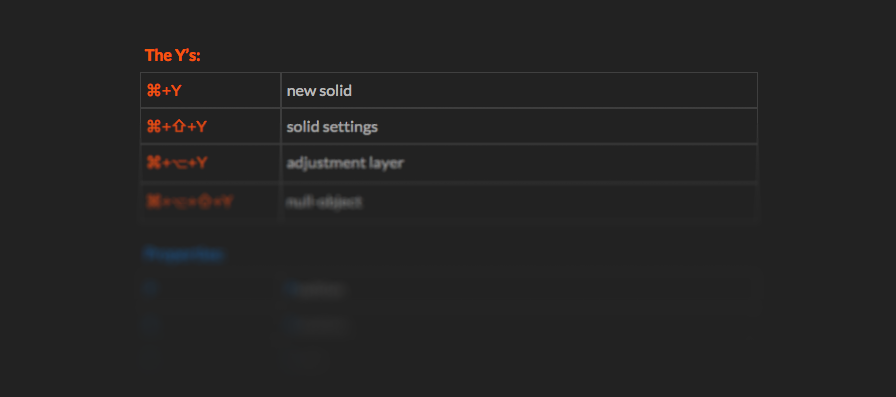
⌘+⎇+⇧+Ynull-object
| The Y’s: | |
|---|---|
| ⌘+Y | new solid |
| ⌘+⇧+Y | solid settings |
| ⌘+⎇+Y | adjustment layer |
| ⌘+⎇+⇧+Y | null object |
| Properties: | |
| P | Position |
| R | Rotation |
| S | Scale |
| A | Anchor point |
| T | OpaciTy… (or Transparency) |
| U | show/hide every animated property of selected layer/s |
| UU | (U tipped twice) show every changed property of selected layer/s |
| Layers: | |
| ⌘+D | duplicate layer |
| ⌘+⇧+D | duplicate layer and cut at Current-Time-Indicator |
| ⌘+⎇+T | enable Time-Remapping |
| RR | (R tipped twice) Time-Remapping property (only when applied) |
| ⎇+[ | trim in-point of layer |
| ⎇+] | trim out-point of layer |
| [ | move layers in-point to Current-Time-Indicator |
| ] | move layers out-point to Current-Time-Indicator |
| Navigation: | |
| ⌘+←→ | move Current-Time-Indicator by 1 frame |
| ⌘+⇧+←→ | move Current-Time-Indicator by 10 frames |
| ⎇+←→ | move selected keyframe/s by 1 frame |
| ⎇+⇧+←→ | move selected keyframe/s by 10 frames |
| I | jump to In-point of layer |
| O | jump to Out-point of layer |
| Playback: | |
| space-bar | play/load into RAM from Current-Time-Indicator |
| ctrl+0 | play/load into RAM from the beginning of the Work Area |
| ctrl+. | play sound only |
| ⌘+scrubbing | scrub + play audio |
| Others: | |
| ⌘+M / ⌘+ctrl+M | “Make Movie”/”Add to Render Queue” |
| B | set Beginning of Work Area |
| N | set eNd of Work Area |
| M | Mask Path Property |
| MM | (M tipped twice) show all mask properties |
| F | Feather of mask |
| ⇧+Number | set a (Composition-)Marker |
| ctrl+8 | create Layer Marker (also works during playback) |